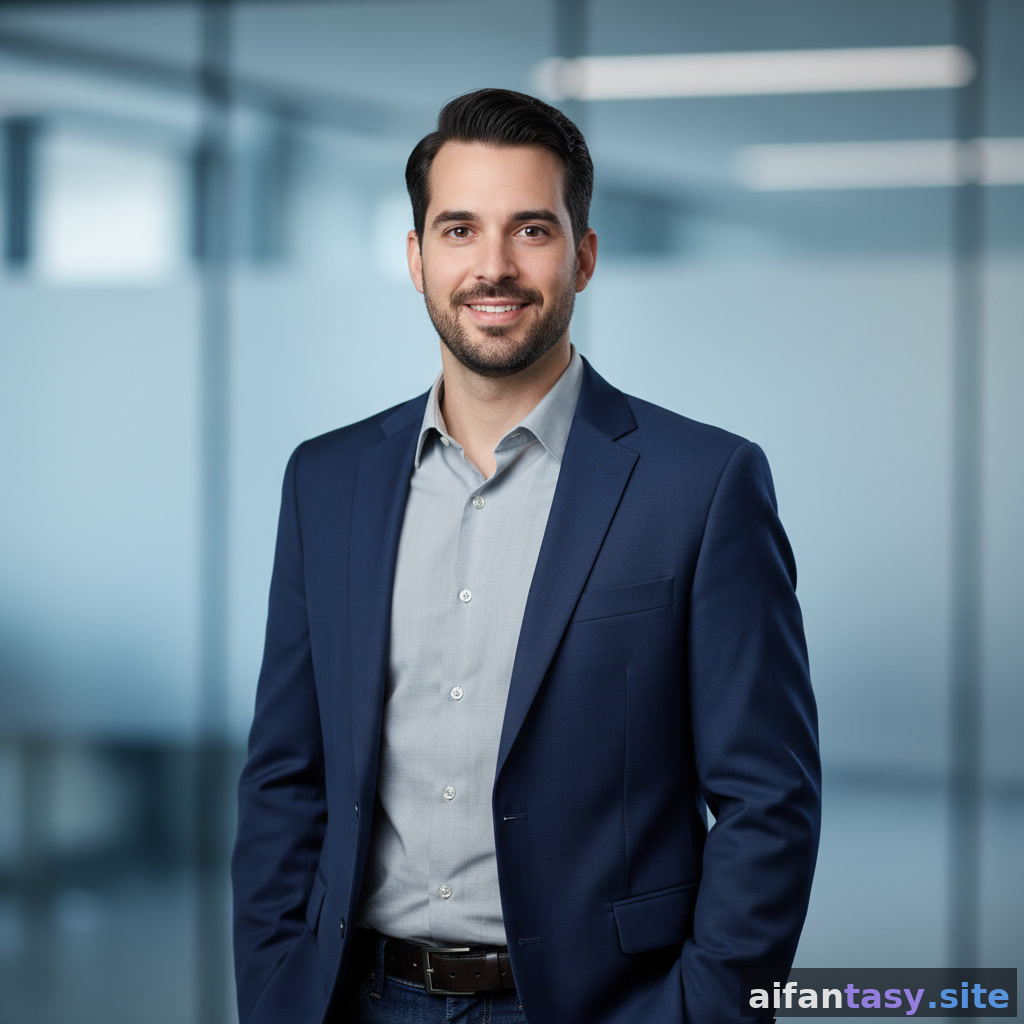
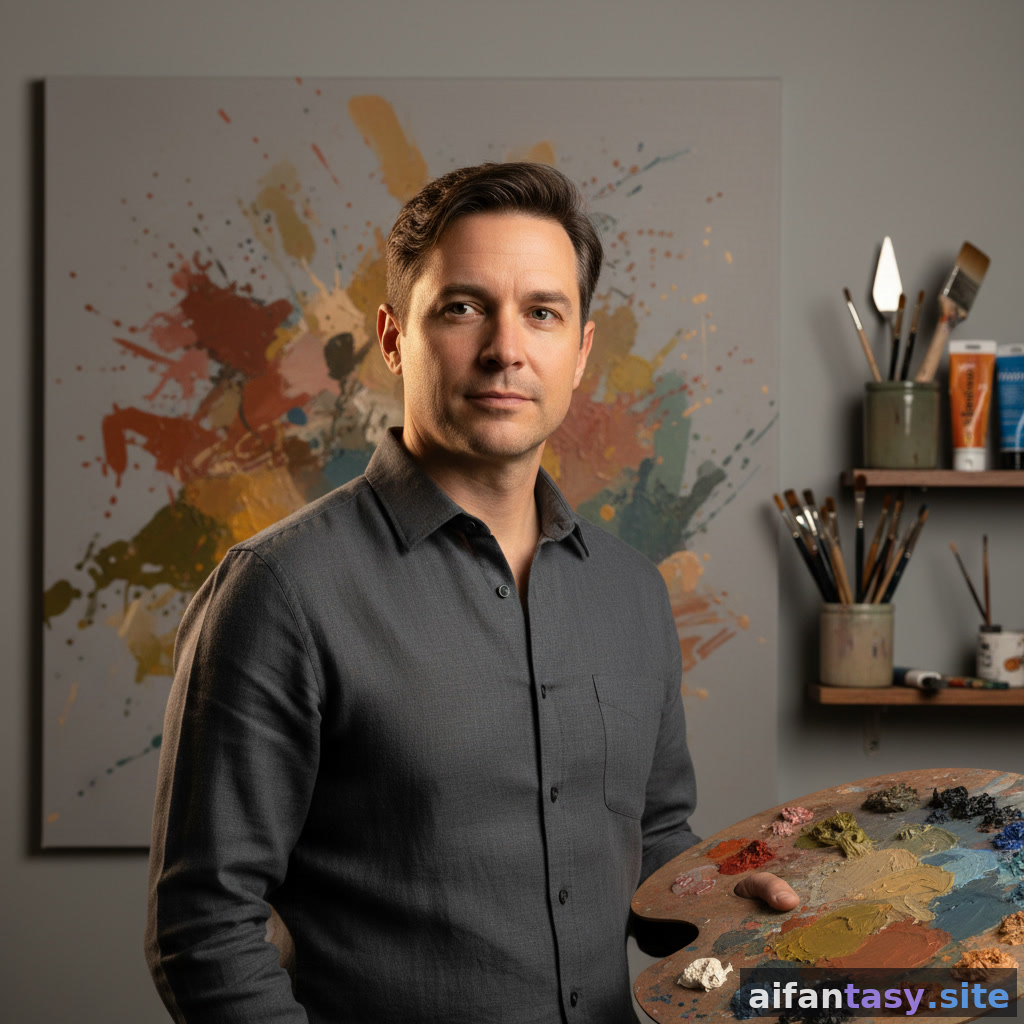
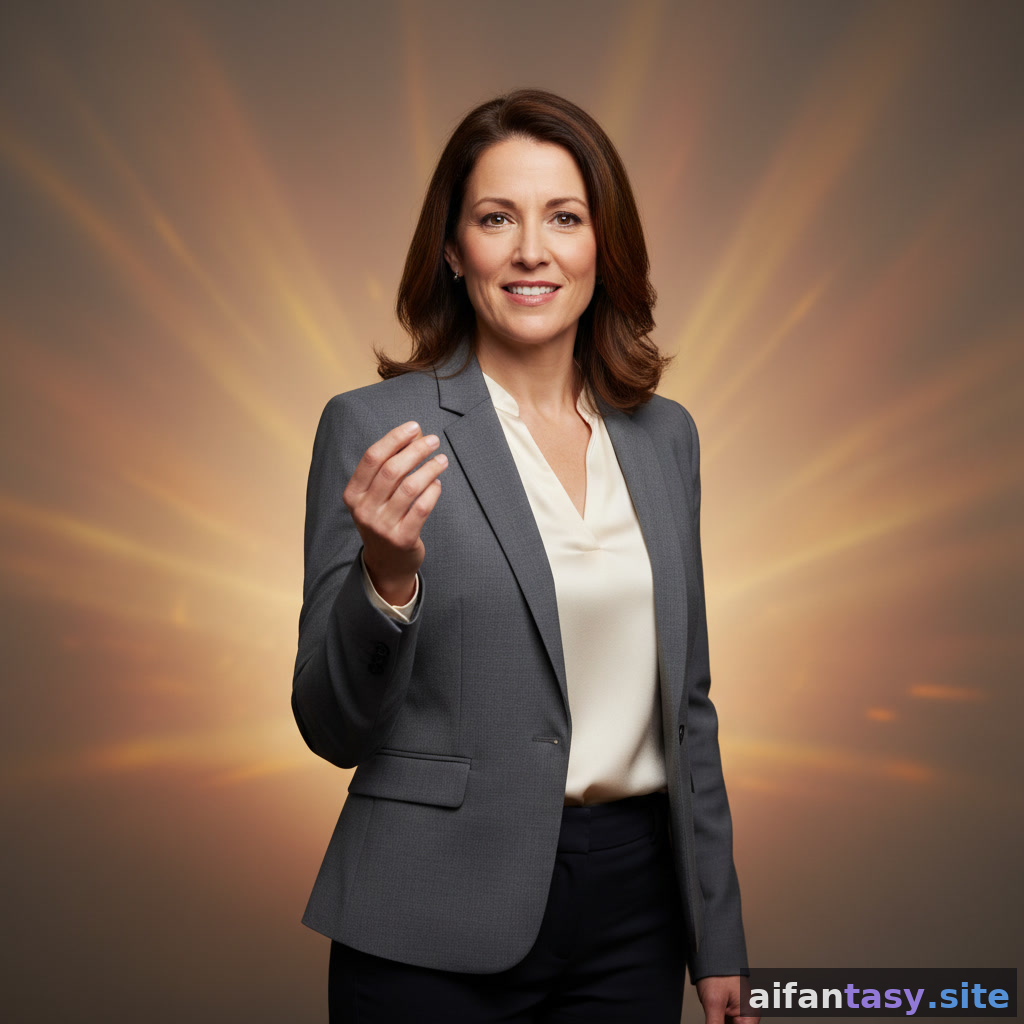
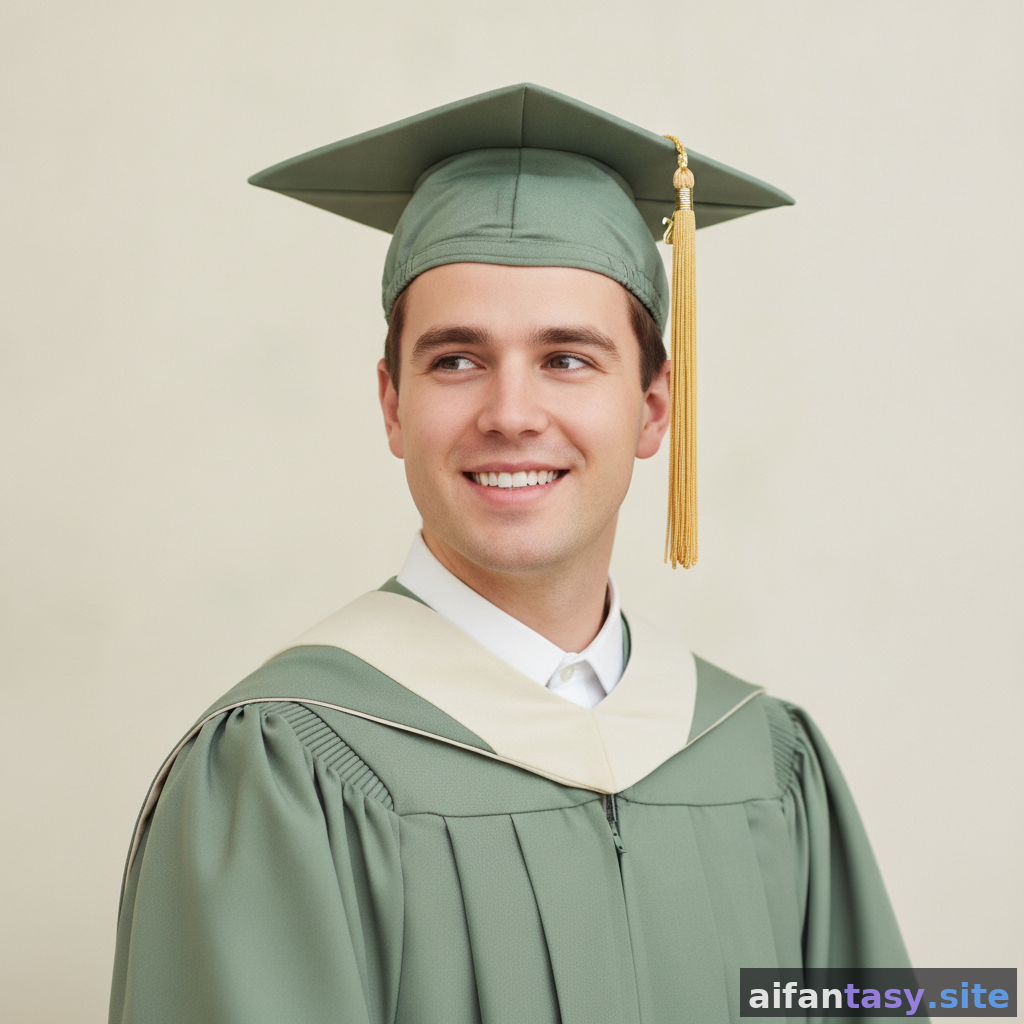
AI Portrait Generator — Polished Headshots in Seconds
Generate studio-quality AI portraits for LinkedIn, dating profiles, speaker bios, author pages, and acting reels. Pick a portrait style, generate a free preview, and download a headshot that actually looks like you — or the you you want to be.
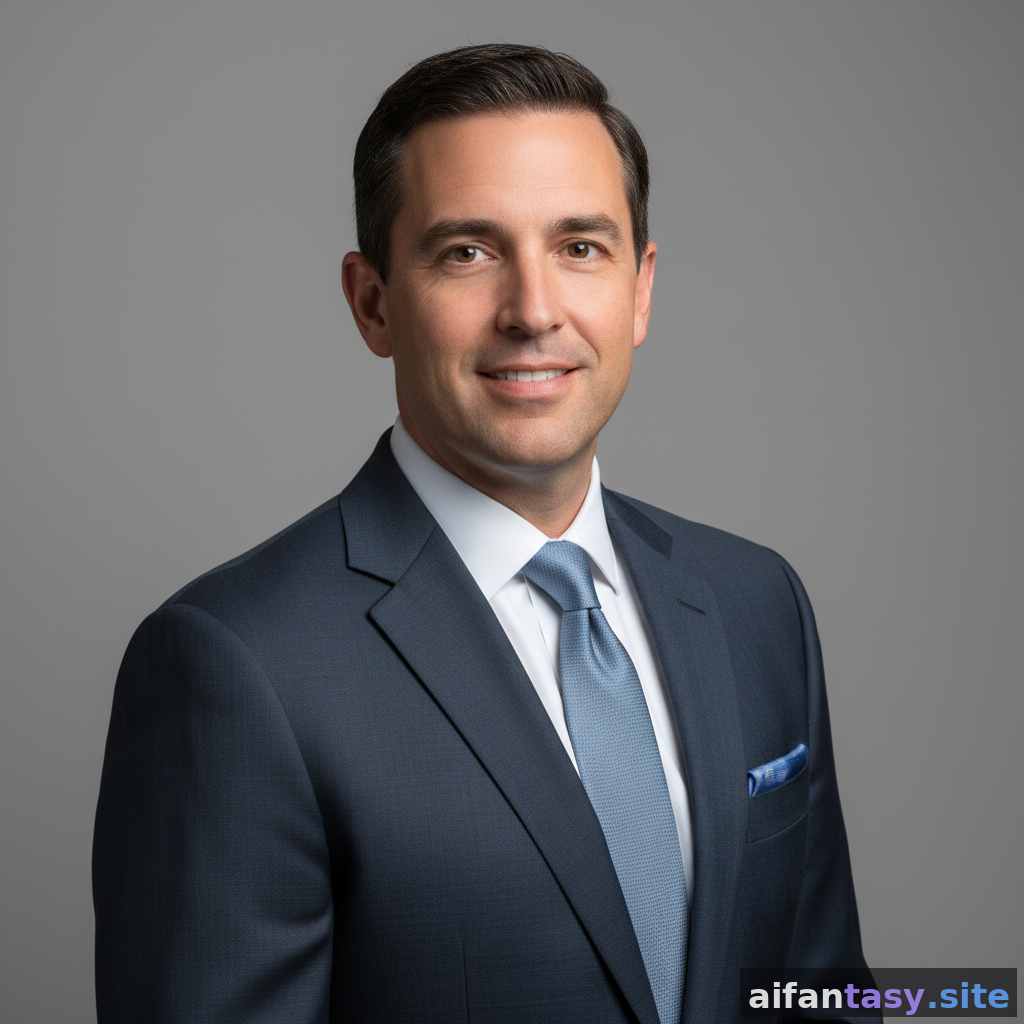
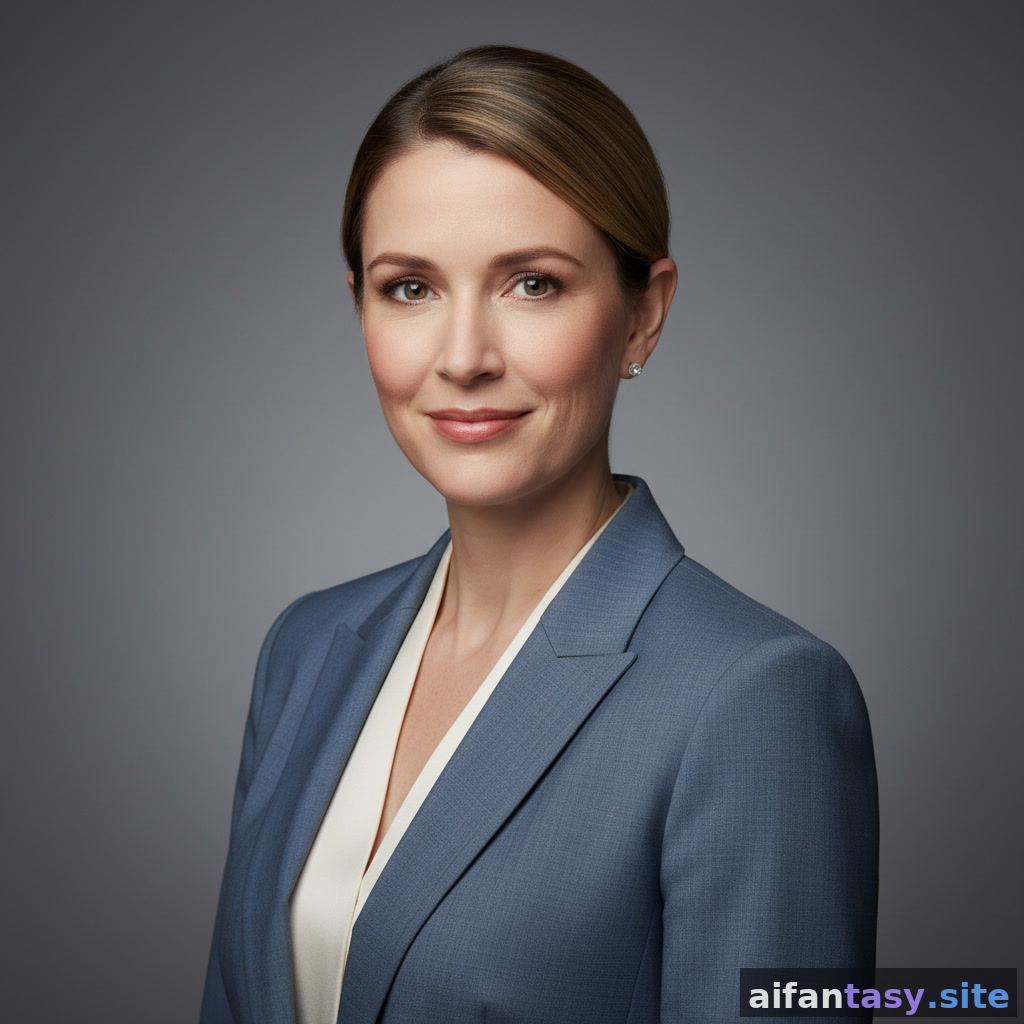
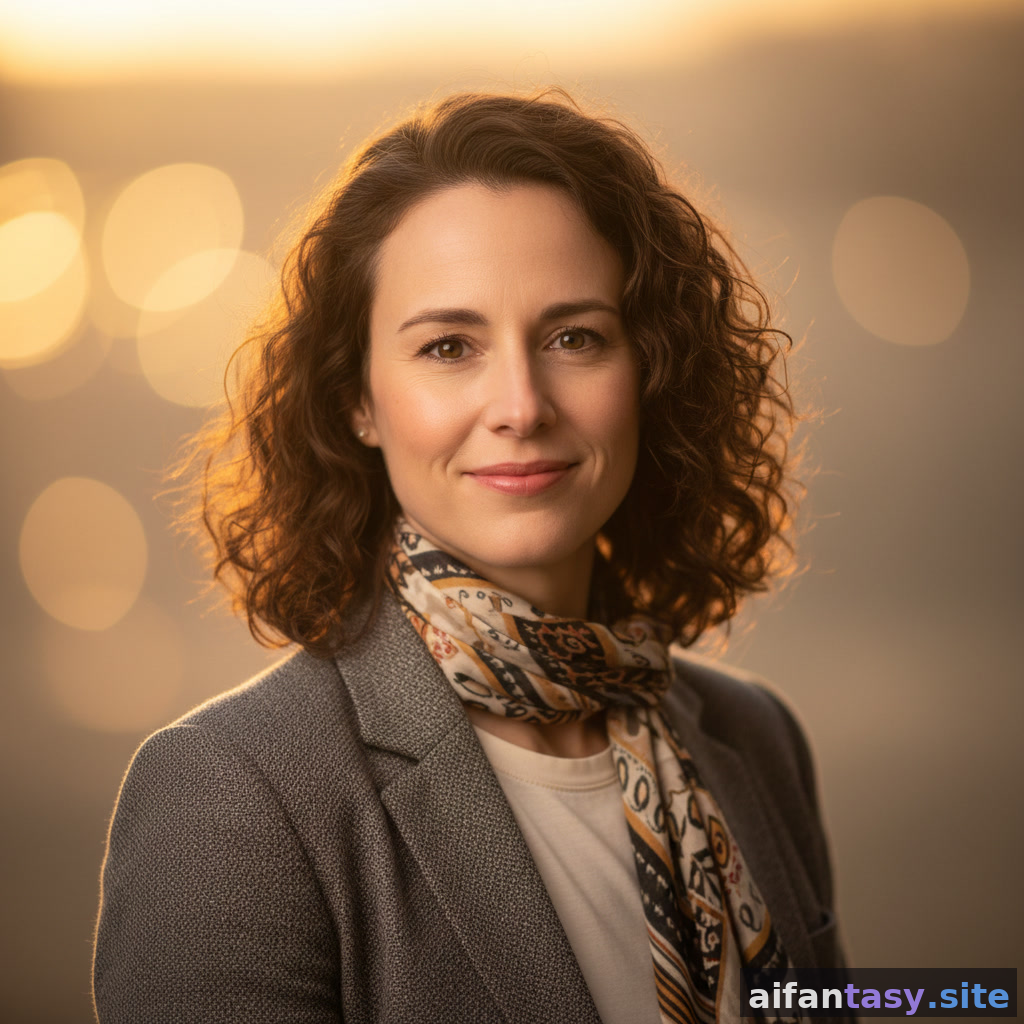
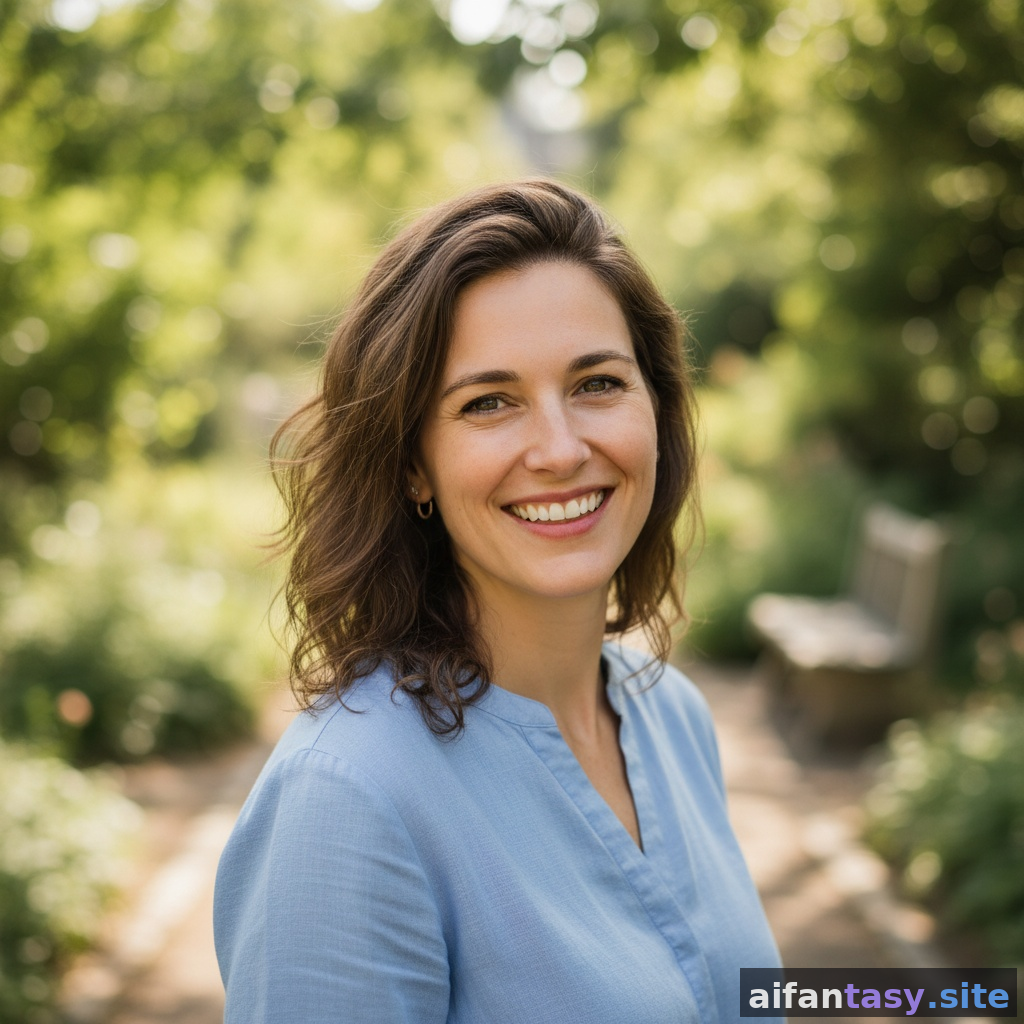
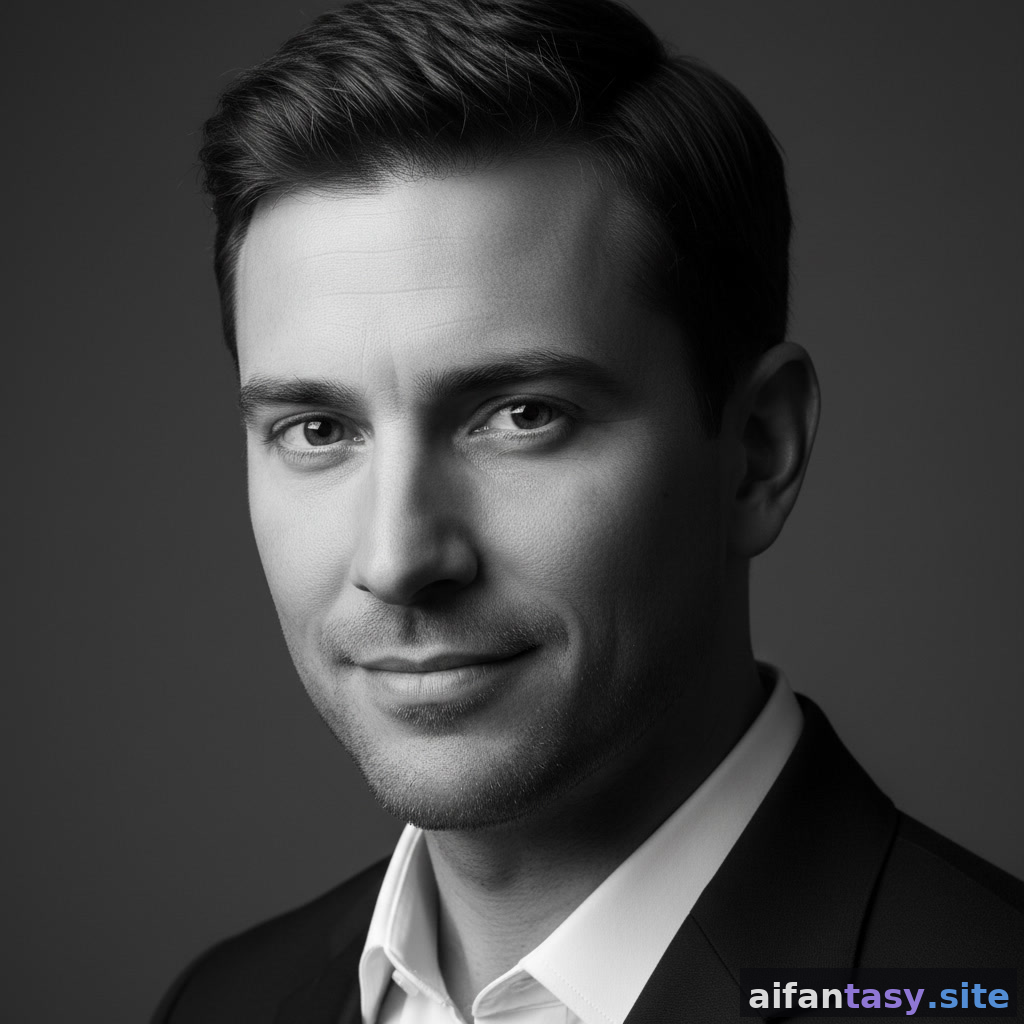
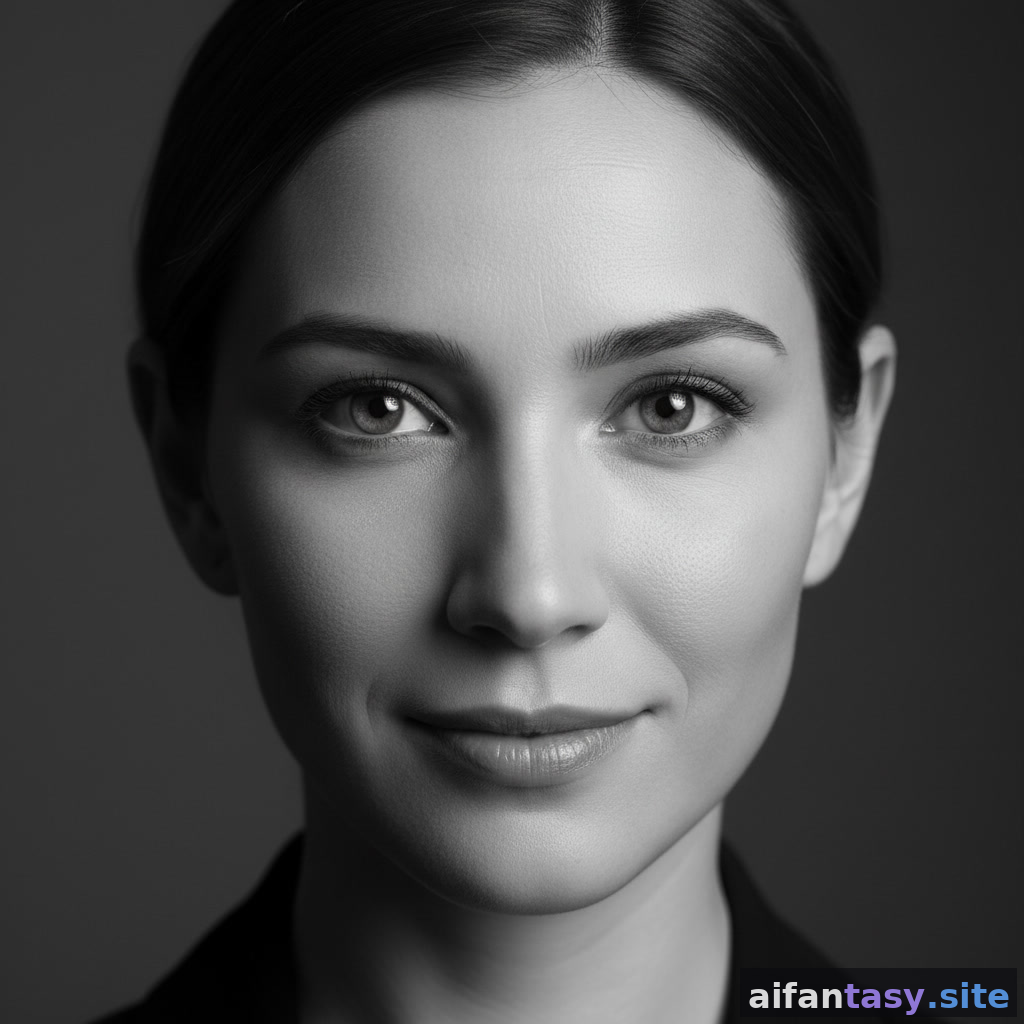
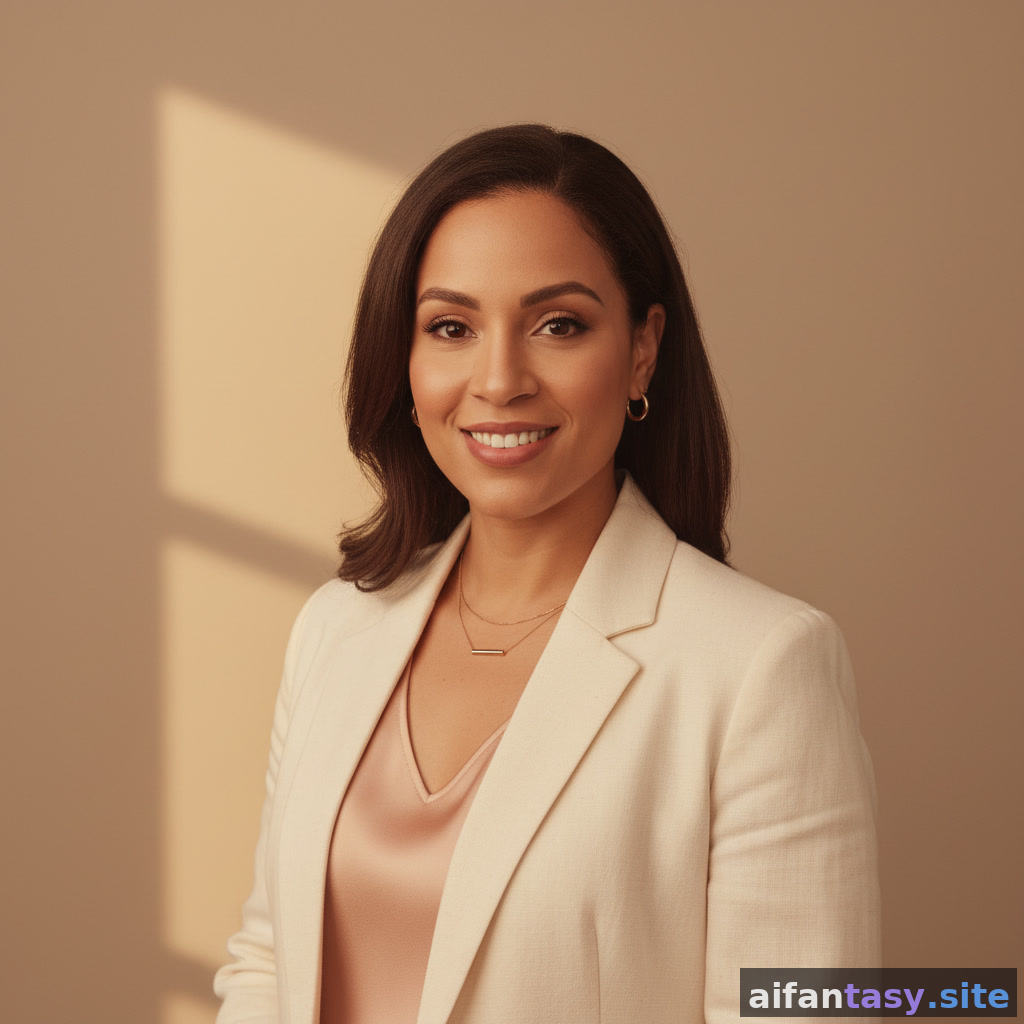
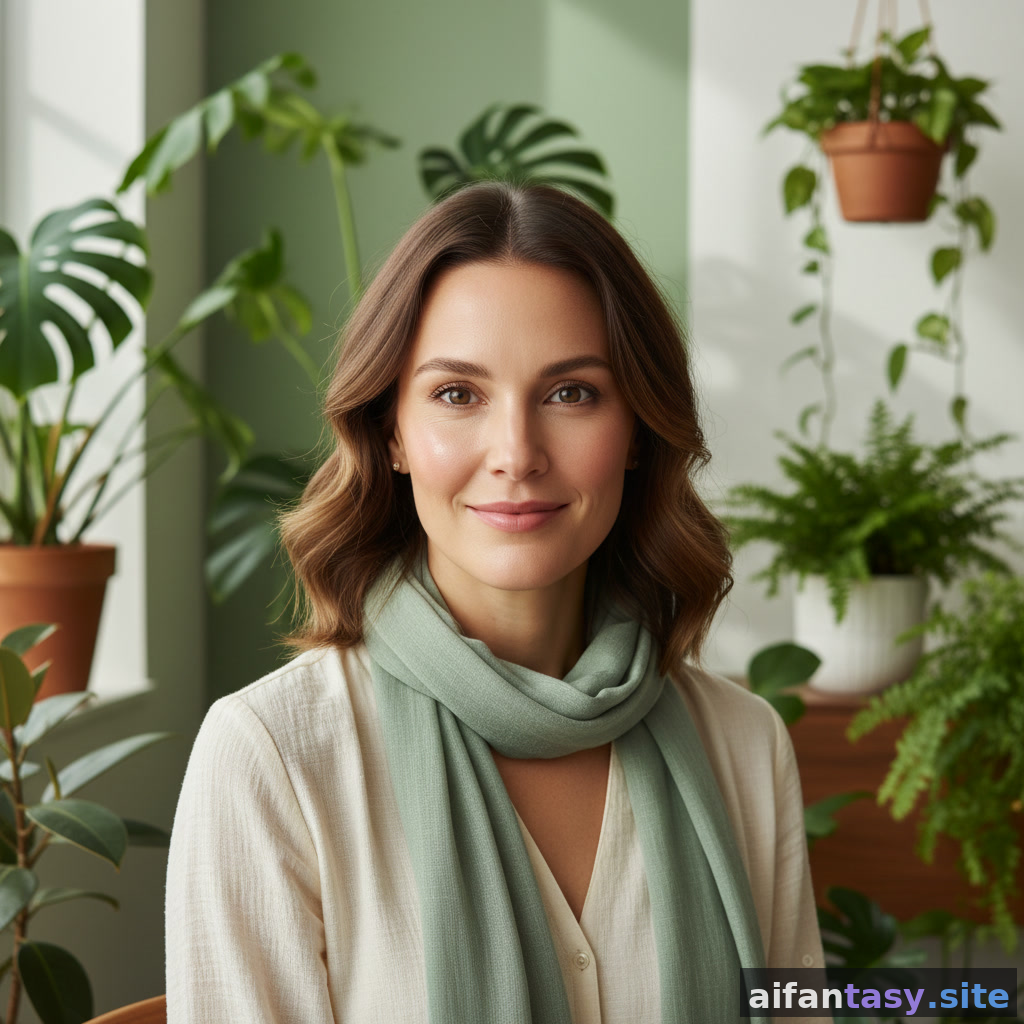
Every portrait below was generated by our AI portrait generator. Click any style to see a full preview, the use cases it suits, and how to make it your own.
An AI portrait generator is a tool that turns a written description, a reference photo, or a style prompt into a finished portrait in seconds. Modern portrait generators use diffusion models trained on millions of professional headshots, so they know how studio lighting, soft backgrounds, and flattering composition should look — without the studio rental or the photographer invoice.
On AI Fantasy, the AI portrait generator is tuned for real-world use cases: LinkedIn headshots that don't scream "stock photo," dating profile portraits that feel candid, actor headshots that pass casting-call standards, faculty portraits that read as scholarly, and speaker portraits that capture the moment of a laugh instead of a frozen smile. Every style on this page is a starting point — you can describe your look, your wardrobe, your background, and the mood you want, and the generator does the rest.
What you get from this doorway:
Professional AI headshots that pass for real studio photography
Dating profile portraits engineered for warmth, not staged glamour
Actor headshots in casting-call composition (clean background, honest expression, dramatic light)
Faculty and academic portraits with scholarly tone
Founder and speaker portraits that match modern About-page aesthetics
Free first portrait — no credit card required to start
How to Pick the Right AI Portrait Style
Start with where the portrait will live. A LinkedIn headshot lives or dies on a recruiter's three-second scroll, so executive-style portraits with neutral backgrounds and soft studio light outperform everything else. A dating profile portrait needs warmth and a real smile, so it leans on outdoor light and natural expression. An actor headshot lives on a casting director's phone in a stack of fifty others, so it needs a plain backdrop and an expressive face you can read at thumbnail size. Faculty, founder, wellness, and speaker portraits each have their own visual grammar — and the gallery above is grouped so you can compare them side by side.
If you don't see your exact use case, describe what you need in your own words and our generator will compose a portrait that fits. The doorway exists to give you a quick scan of possibilities — the generator is where you build the actual portrait you want.
Are AI-generated portraits really indistinguishable from real photography?
For most everyday uses — LinkedIn, About pages, dating apps, faculty bios — modern portrait generators produce results that pass casual inspection. Casting directors and very high-end agency work may still prefer real sessions, but for the bulk of professional headshot needs, AI portraits are now standard practice.
Can I use an AI portrait on LinkedIn or a dating app?
Yes. LinkedIn and major dating platforms allow AI-generated imagery as long as it accurately represents you. Many professionals now list their job title next to "AI-enhanced headshot" to keep things transparent.
Do I need to upload a photo of myself?
You can either upload a reference or describe the portrait you want in text. If you want the AI portrait to look like you, upload 5-10 reference photos; if you want a stylized portrait (creative, editorial, art-direction), a detailed text prompt is usually enough.
How much does it cost?
Your first AI portrait on AI Fantasy is free. Higher-resolution downloads, additional portrait styles, and commercial licensing are available once you're signed up.